

iPad and Mac
The app works the same on iPad, in any orientation, with a few differences in layout.
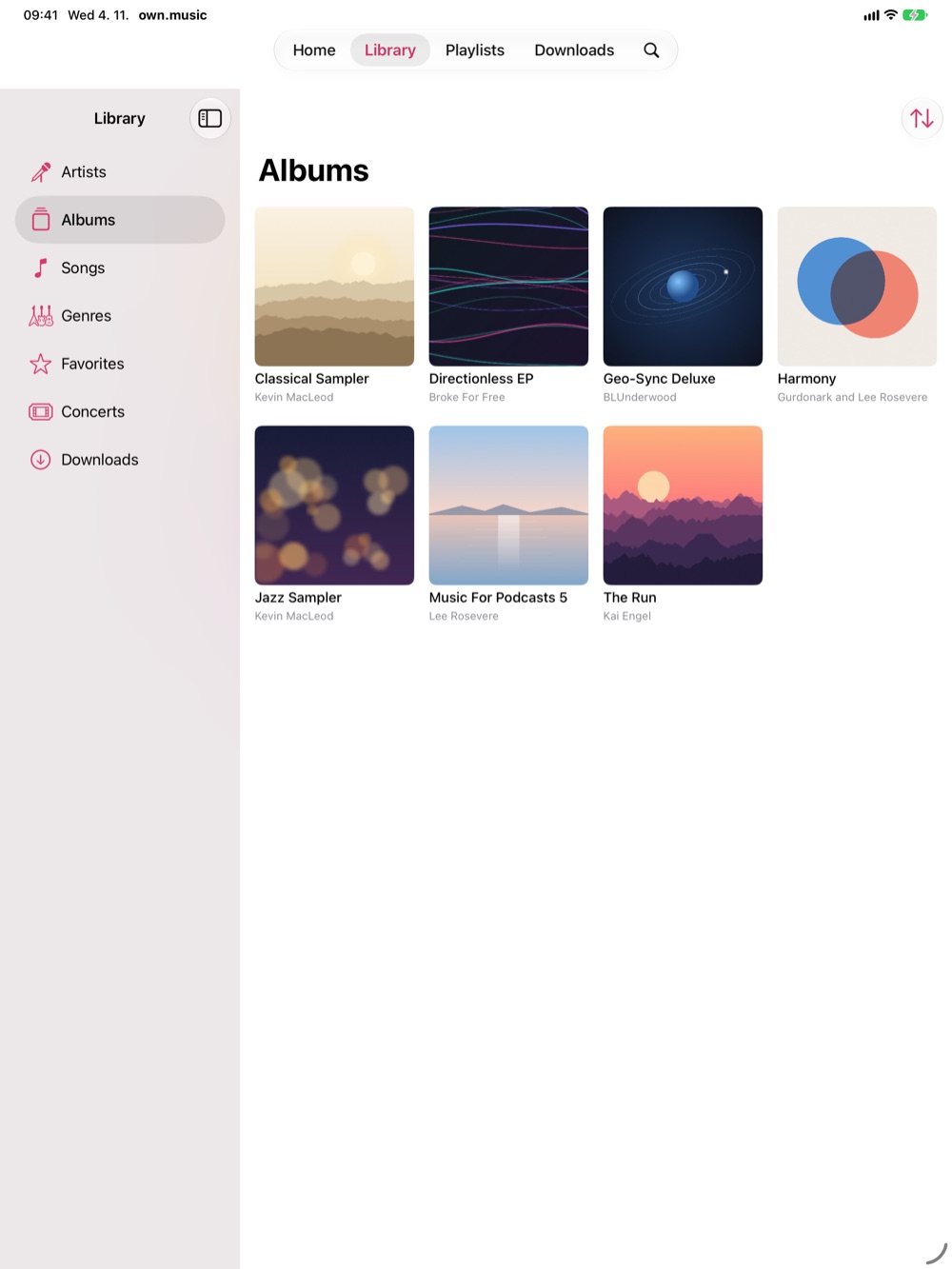
- The tabs are at the top of the screen.
- Library has a sidebar: Artists, Albums, Songs, Genres, Favorites, Concerts (own.audio, when the server keeps them) and Downloads. The section you pick opens beside it. The button at the top of the sidebar hides or shows it.
- On an album page, the download button, the star and the album’s menu are together in one More menu at the top right, with Download (or Remove Download) and Favorite Album at the top of it.
- Identify Library is on the server’s page in Settings (on iPhone it is also under the Library grid).
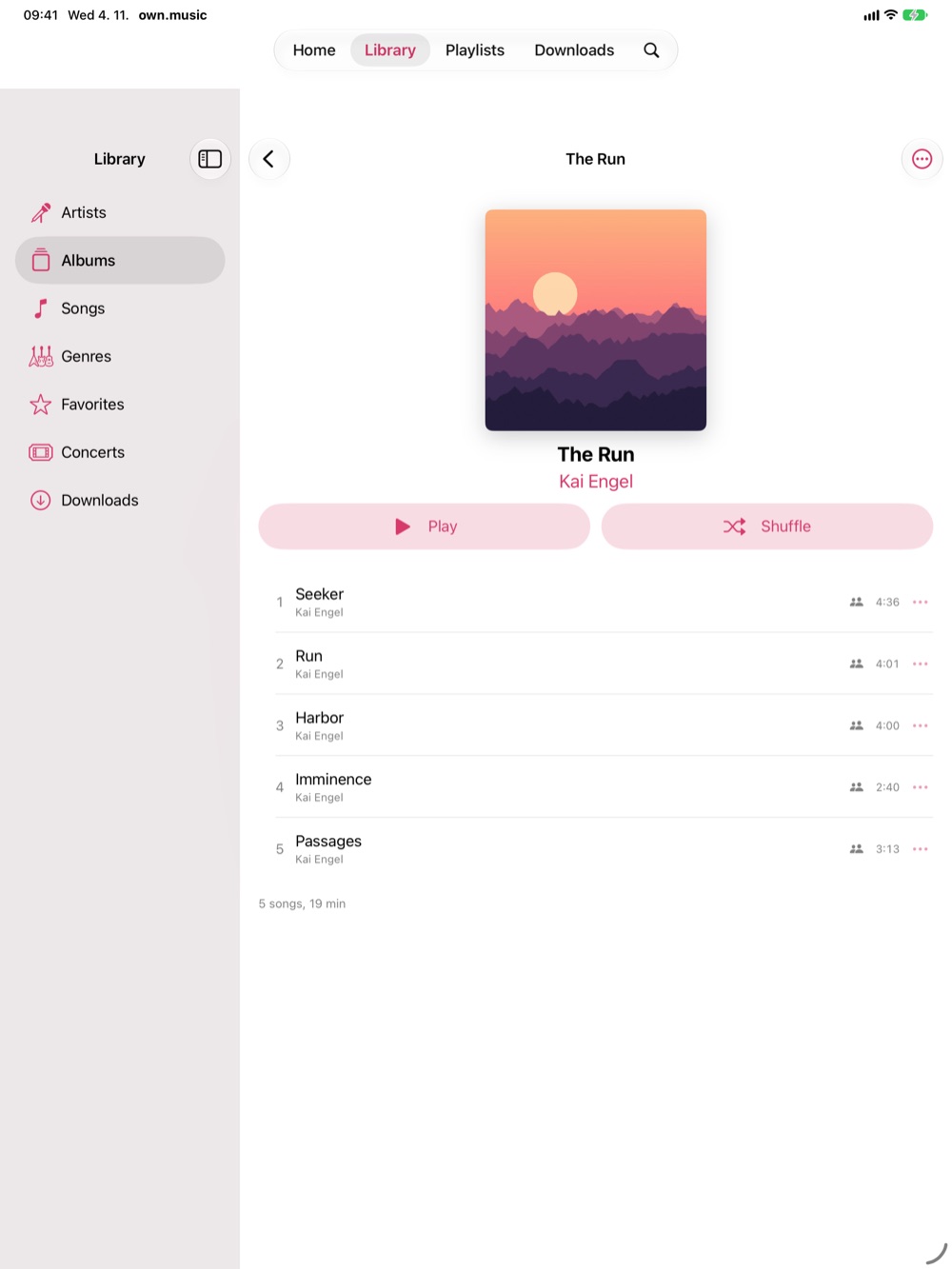
The player keeps its controls in a column in the middle of the screen, with a larger cover.
Keyboard
With a keyboard attached to the iPad, or on a Mac:
| Key | Does |
|---|---|
| Space | Play or pause |
| ⌘→ | Next song |
| ⌘← | Previous song |
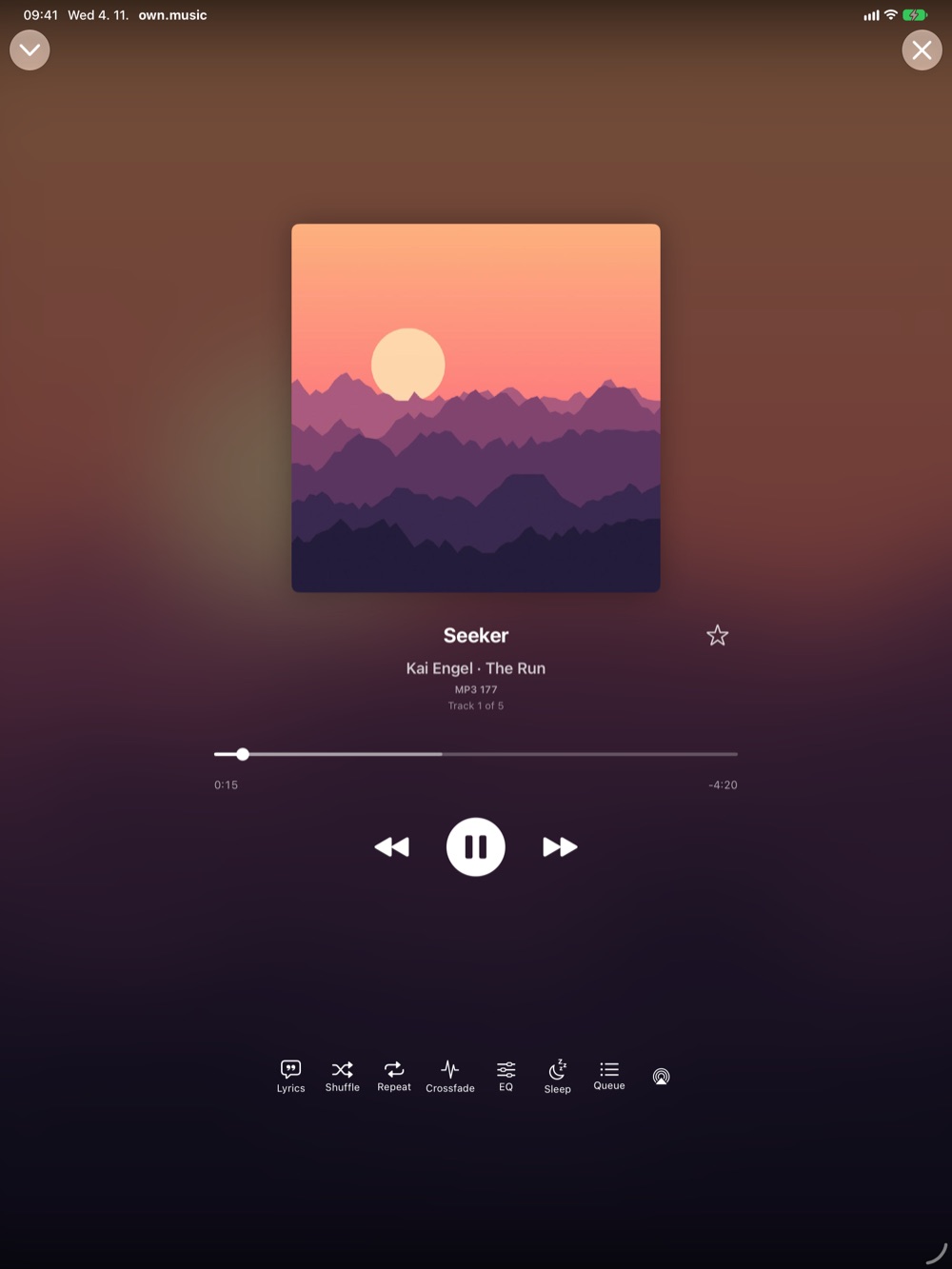
| Esc | Closes the full player |
While you type in a search field, the keys type as usual.
On a Mac
The iPad app also runs on Macs with Apple silicon. It looks and works as on iPad, with these differences:
- What you would swipe in a list (signing out a device, withdrawing an invitation, removing an address) is also in the row’s menu: right-click it, or touch and hold it on iPhone and iPad.
- A Mac has no mobile data, so Download on Wi-Fi Only and the Streaming section are not in Settings.
- The own.audio server lists the app as a Mac in Devices.