

iPad and Mac
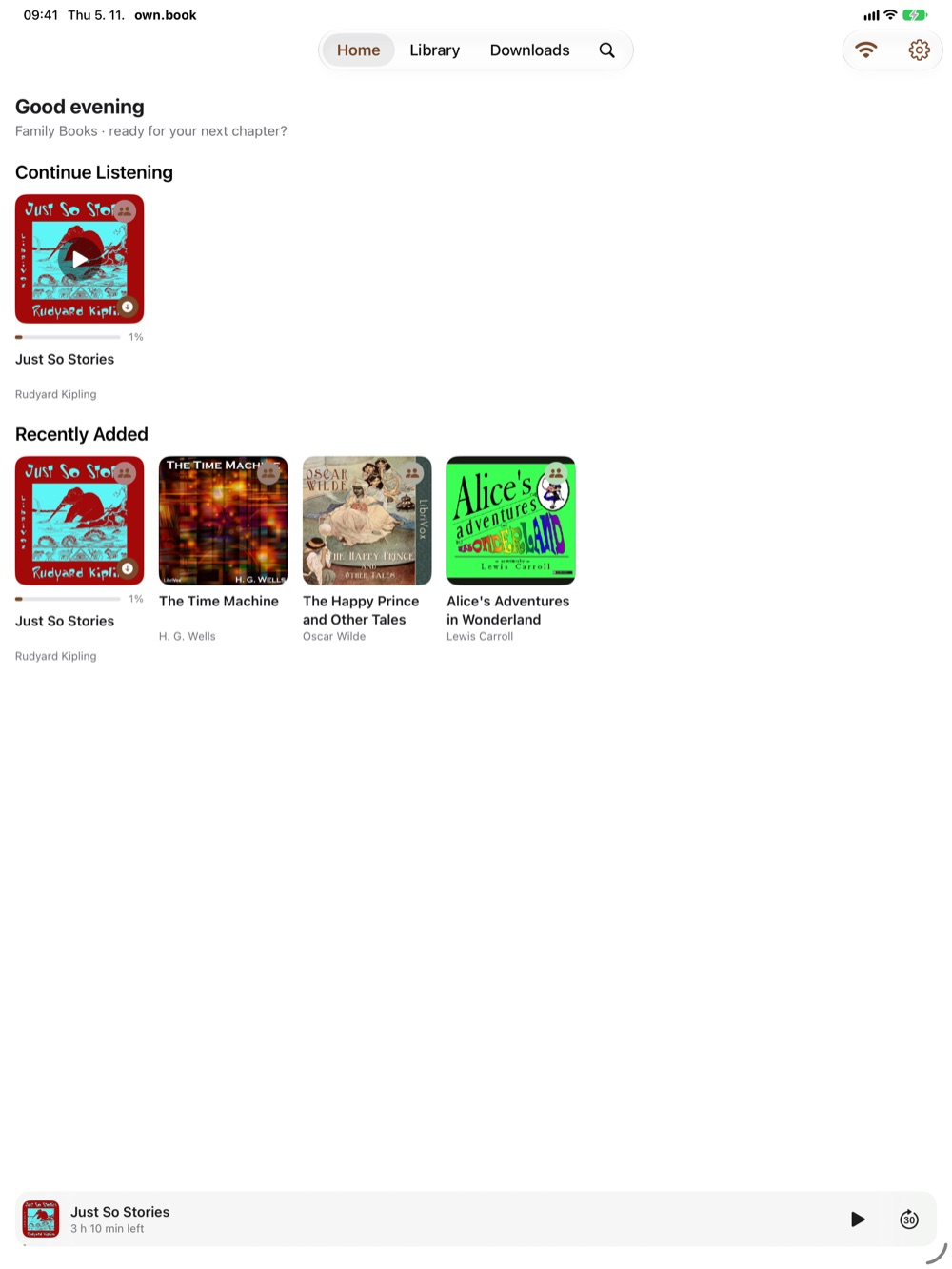
The app works the same way on iPad, with the tabs at the top of the screen. It turns with the iPad; on iPhone it stays upright.
The Library sidebar
On iPad, the Library tab has a sidebar instead of the chips: All Books, Series, Authors, Narrators, Collections (Audiobookshelf) and Downloads. The section you pick opens beside it. The button at the top of the sidebar hides it.
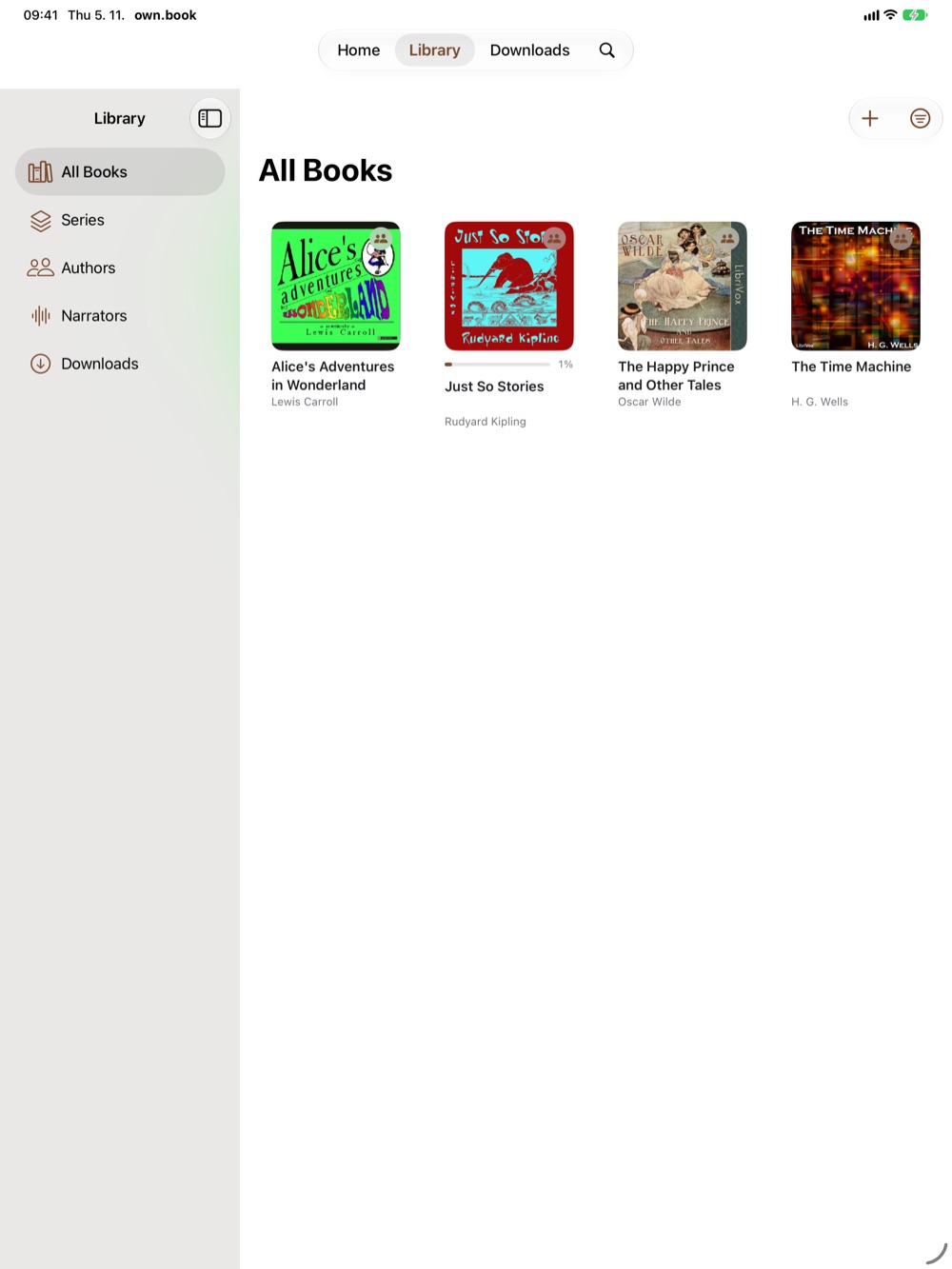
In a narrow window, for example in Split View, the Library looks as it does on iPhone.
Home and the player
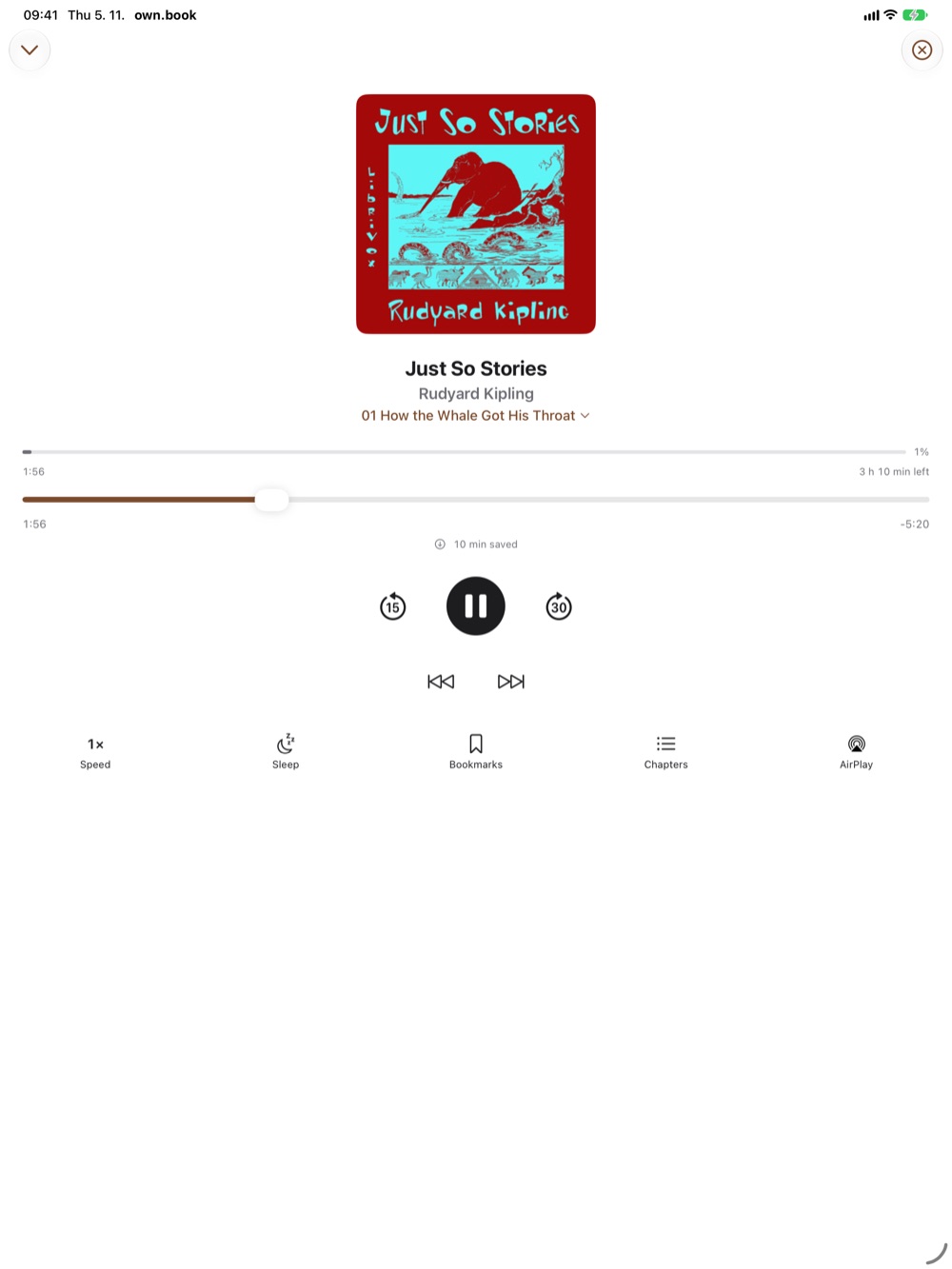
Home and the player have the same layout as on iPhone, with more covers on each shelf.
Keyboard
With a keyboard, on iPad or Mac:
| Key | What it does |
|---|---|
| Space | Play or pause |
| ⌘← | Skip back by your interval |
| ⌘→ | Skip forward by your interval |
| Esc | Close the full player |
Space and the arrows do nothing while you are typing in a text field.
On a Mac
On a Mac with Apple silicon, the iPad app runs in a window. It works as on iPad, with these differences:
- Where you would swipe a row on iPhone or iPad (a bookmark, a device, an invitation, an address, an import), right-click it instead.
- Settings has no On Mobile Data and no Download on Wi-Fi Only.
- Choose Audio Files in Adding books opens the Mac’s open panel.
- In Devices on own.audio, the Mac is listed as “Mac” after you sign in on it.